
Use the steps below to connect an available integration to VIP Reviews.
1. Open Integrations #
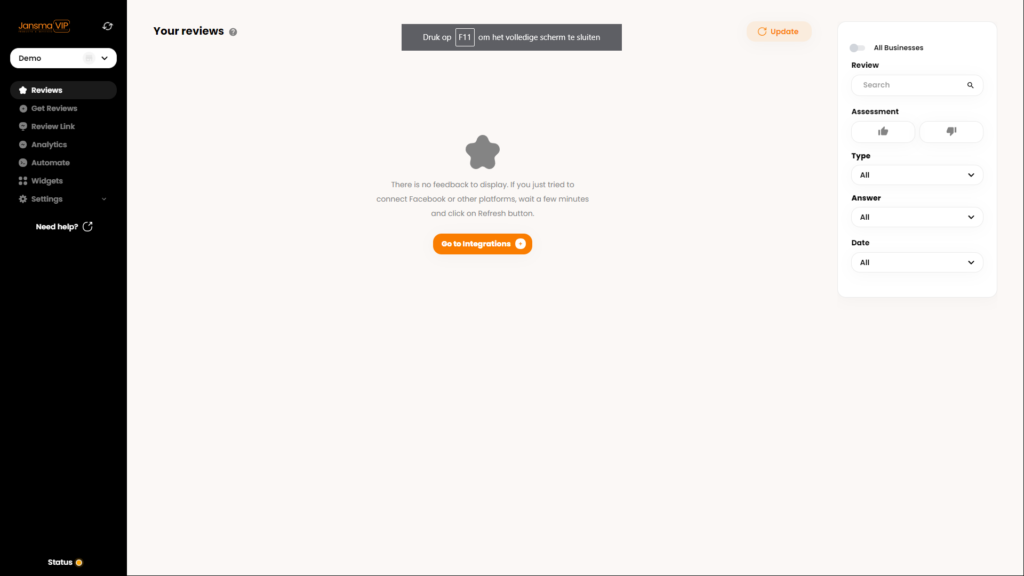
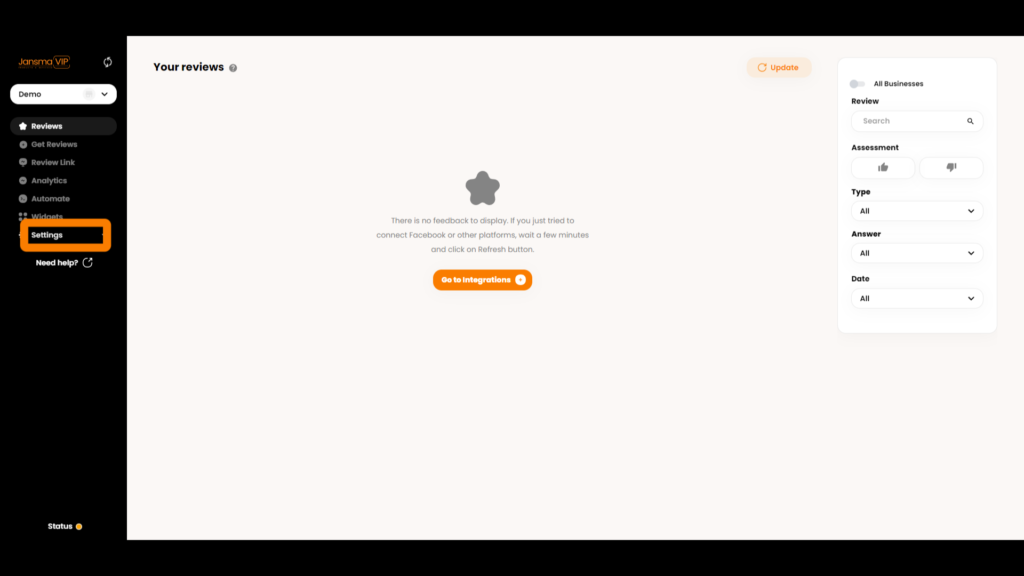
From the VIP Reviews dashboard, select Go to Integrations. You can also open Settings and then choose Integrations from the menu.

2. Choose an integration #
Review the available options, choose the integration you want to connect and select Integrate.
Complete the on-screen steps for the selected service. The required details can differ between integrations.

Need help? #
If an integration does not connect as expected, note the service name and any non-sensitive error message, then contact Jansma VIP Support.


