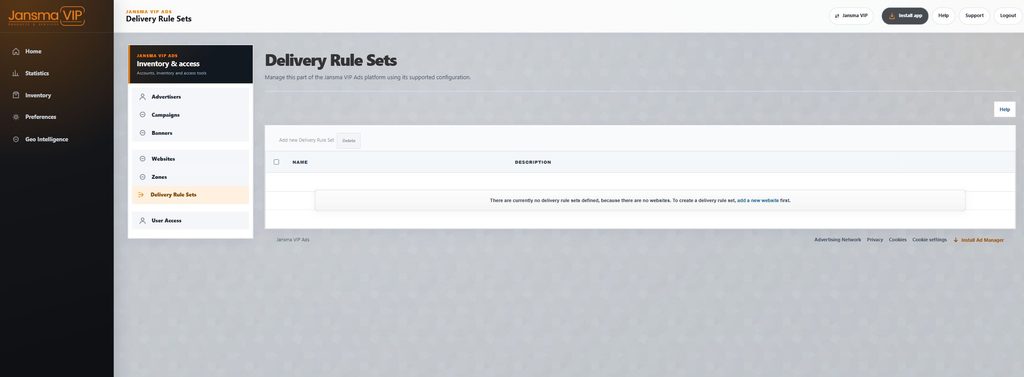
Delivery Rule Sets let you define reusable targeting logic once and apply it consistently to eligible banners for a website.
Create a rule set #
- Open Inventory and select Delivery Rule Sets.
- Create a clearly named set and add a short description of its intended audience or context.
- Add only the rules required for that purpose.
- Save and review the complete logic before applying it.
Apply the rule set #
A reusable set is normally available to a banner after that banner is connected to a zone in the relevant website. If it does not appear, verify the inventory relationship first.
Design rules that remain understandable #
- Use positive, specific names such as NL – Business hours – Desktop.
- Avoid duplicating the same restriction at campaign and banner level.
- Document whether every condition must match or whether alternatives are allowed.
- Estimate the remaining audience before combining multiple narrow filters.
Test with a known eligible and known ineligible scenario. Reusable logic can affect several banners, so review dependencies before editing a set that is already in use.