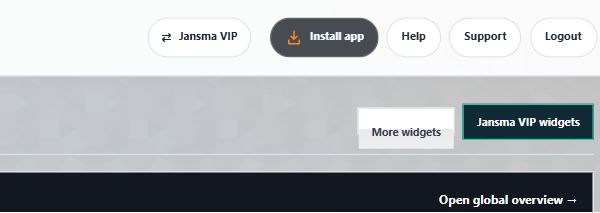
Jansma VIP Ad Manager can be installed as a progressive web app (PWA). The installed experience opens in its own window while using the same secure account and live platform data.
Install only from ads.jansma.vip. A connection is required for current statistics and account changes.
Chrome or Edge on desktop #
- Open the Ad Manager and sign in.
- Select Install VIP Ad Manager in the header or the browser install icon.
- Confirm the installation when your browser asks.
- Open the new app from the desktop, Start menu or application launcher.
Android #
- Open the Ad Manager in Chrome.
- Open the browser menu and choose Install app or Add to Home screen.
- Confirm the name and placement.
iPhone or iPad #
- Open the Ad Manager in Safari.
- Tap Share, then Add to Home Screen.
- Enable the web-app option when offered and confirm.
If no install option appears, update the browser, open the site in a normal tab rather than private mode and confirm that installation is allowed by your device or organisation policy.